
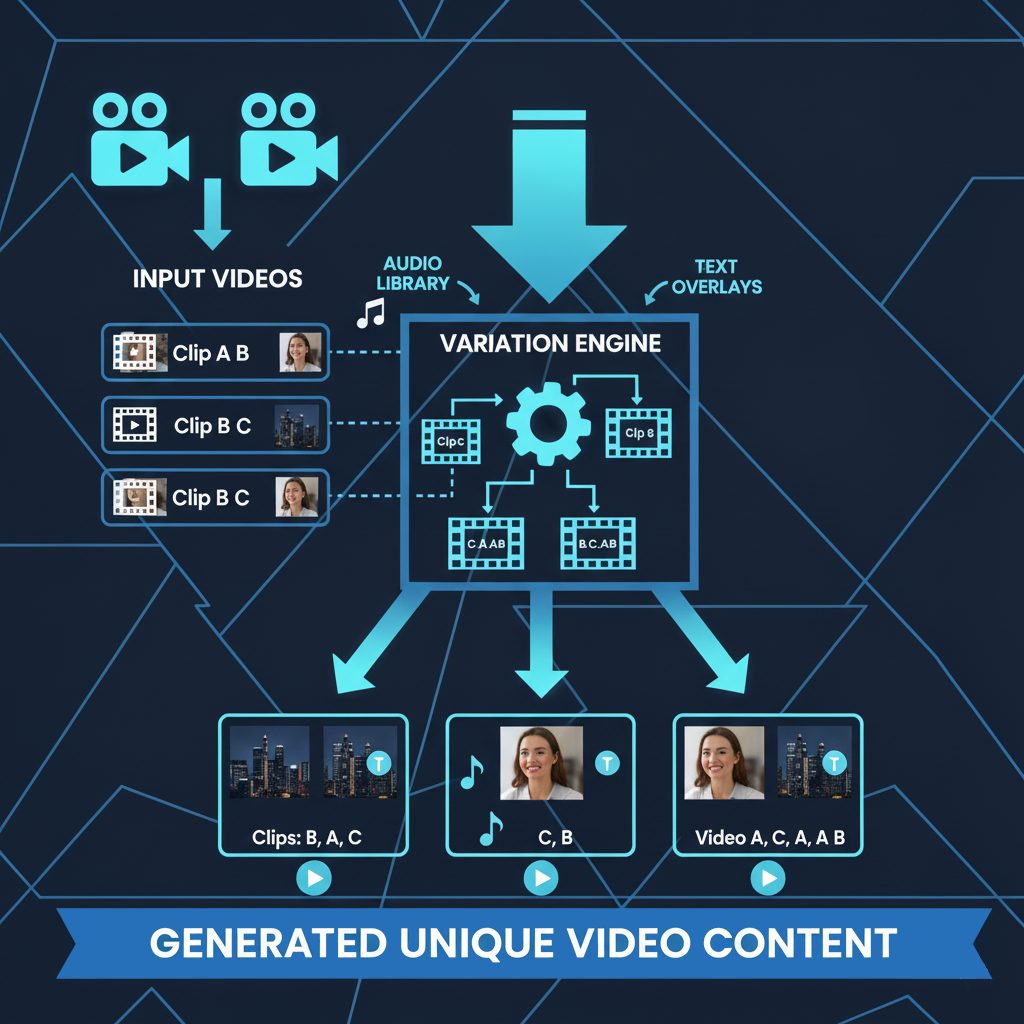
Yes, there are free tools for video ads that produce something you can actually publish, and Genyad's free plan is one of them: five video ad variations plus one AI-generated clip, no credit card, no watermark on the export. But "free" means very different things across the tools people usually list, so this article goes through what each one gives you for zero euros, where the paywall sits, and which combination we would pick if we were starting a brand with no budget this week.
The five kinds of "free" you will run into
- Free forever, limited quantity. You get a fixed number of ads or credits and never pay unless you want more. Genyad works this way.
- Free with a watermark. Full features, but the export carries the vendor's logo. Fine for testing, not for running.
- Free trial. Everything unlocked for 7 or 14 days, then it stops. Good for a single campaign sprint.
- Free editor, paid assets. The software is free, the stock footage, music or templates you actually want cost money.
- Free because the platform wants your ad spend. Meta and TikTok both give away creative tools inside their ad managers. The catch is you are locked to that platform.
Knowing which type you are looking at saves a lot of disappointment at the export button.
What you get for €0, tool by tool
| Tool | Type of free | What you can make | Where it stops |
|---|---|---|---|
| Genyad Free | Free forever, 5 variations + 1 AI video (up to 10s) | Finished ads from your own footage: script, shot selection, voiceover, captions, platform export | 6th variation needs a €29 pack of 15 credits |
| Meta Ads Manager creative tools | Platform-native, unlimited | Trim, crop to 9:16 / 4:5 / 1:1, add text and stickers, simple templates | No scripting, no voiceover, Meta only |
| TikTok Creative Center / Symphony | Platform-native | Script ideas, avatar videos from a product description, trend data | TikTok only, output is fairly templated |
| CapCut | Free editor, paid assets | Manual editing with strong caption and template features | You do all the creative work; premium effects and some exports are paid |
| Canva Free | Free editor, paid assets | Template-based video ads, basic animation | Best templates and brand kit are Pro; heavy manual work |
| Creatify Free | Free with watermark, 10 credits | URL-to-video ads with avatars | Watermark on everything until $39/month |
Details are what the vendors published in August 2026. Free tiers get trimmed without much notice, so check before you plan a campaign around one.
The distinction that matters: free editor vs free production
CapCut and Canva are free tools in the sense that Photoshop is a free tool if someone gives you a licence. They remove the software cost and leave all the labour. If you enjoy editing and have the hours, they are excellent. If the reason you are searching for a free tool for video ads is that you do not have an editor, they solve the wrong problem.
Genyad's free plan is closer to a free production run. You upload the footage you have (a phone demo, an unboxing, whatever the founder filmed), the system transcribes and indexes it, and you describe the ad you want in a sentence or two. It writes the script from what is actually in the clips, picks the shots, adds a voiceover in your language, places captions, and exports at the right size. Five of those is a real test of whether your footage can carry ads at all. You can edit any of the five afterwards, so it is not a black box either.
We are obviously not neutral about this. The reason we structured the free plan as full variations rather than a watermarked trial is that a watermarked ad tells you nothing about performance because you cannot run it.
What we would do with €0 and one week
Day 1: film ten to fifteen short clips on a phone. Product in use, the problem it solves, a close-up, someone reacting. Do not script it. Variety matters more than polish because the tool will choose from the pool.
Day 2: upload to Genyad, generate five variations with different hooks (a question, a bold claim, a problem statement, a demo-first cut, a price-led cut). Export all five.
Day 3: put them into Meta Ads Manager, use its free tools to check the 4:5 crop for Feed and add the platform-native CTA button. Run all five at a small daily budget in one ad set so Meta's delivery picks the winner.
Day 5 onward: read the numbers, keep the two that held attention past three seconds, and decide whether a €29 credit pack for fifteen more variations is worth it. At this point you have spent nothing on tooling and you know whether the channel works.
Related reading
- Small budget, big variation count
- Reshoot vs AI variation: the real cost comparison
- How to brief an AI ad generator so it nails the first draft
Frequently asked questions
Is there a completely free tool for video ads without a watermark?
Genyad's free plan exports without a watermark, limited to five variations and one AI-generated clip. Meta's and TikTok's built-in creative tools are also unwatermarked and unlimited, but only produce edits of footage you supply and only for their own platforms.
Can I make video ads for free without any footage?
Partly. Genyad's free plan includes one AI-generated video of up to ten seconds, and TikTok's Symphony tools will produce avatar clips from a product description. For a full campaign without footage you will end up on a paid avatar tool fairly quickly, or you film something on a phone, which is what we would recommend.
Do free plans include AI voiceover?
Genyad's does, in the language of your campaign, and it is timed to the cut. Meta and TikTok's native tools do not write or voice scripts. CapCut has text-to-speech voices, some of them behind the paid tier.