
Most brands treat a video shoot as a one-time event: book the crew, shoot the footage, cut one hero ad, move on. The footage then sits in a drive, used once and forgotten — even though it usually contains far more usable material than the single edit that made it to air.
Here's the workflow that gets you from one shoot to twenty live ads.
The goal isn't one more edit — it's a way to create multiple video ad variations at once from footage that's already sitting in your library.
Step 1: Shoot for Coverage, Not Just the Final Cut
You don't need to change how you shoot — you just need to stop treating extra takes, alternate angles, and B-roll as waste. A single 60-second shoot typically contains enough raw material for a dozen different edits once you stop thinking of it as "footage for one ad."
Step 2: Break the Footage Into Reusable Components
Every ad is really three layers stacked on top of each other: a hook (the first 3 seconds), a body (the product story), and a CTA. Once footage is broken into clips at that level, you can recombine them instead of re-cutting from scratch every time.
Step 3: Vary the Layer That Actually Moves Performance
Hooks fatigue fastest, because they're what the algorithm and the viewer both see first, every time. Swapping the opening 3 seconds while keeping the product story intact is often enough to reset a stalling campaign — no new footage required.
Step 4: Generate, Don't Re-edit
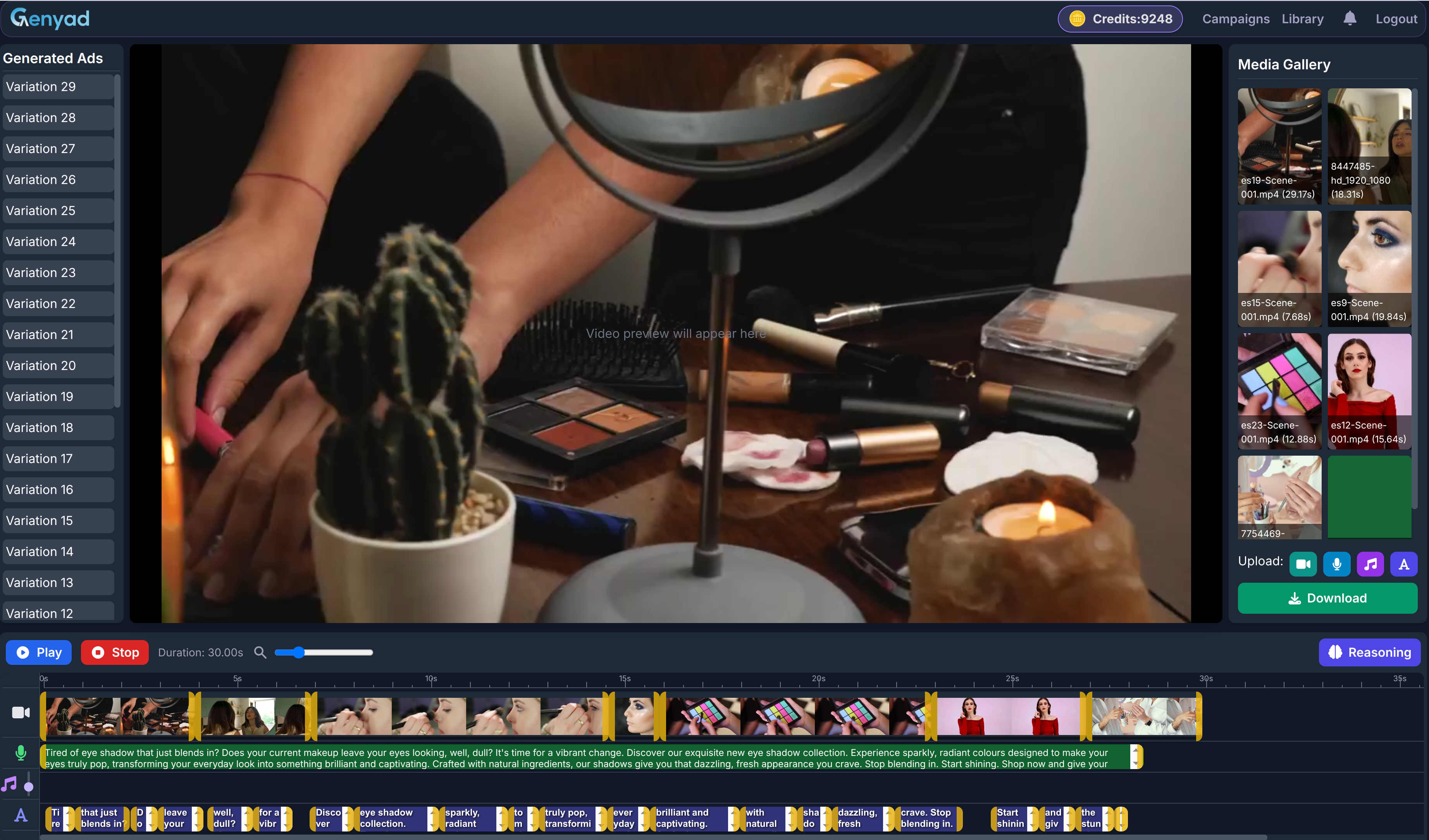
This is the step that used to require a video editor's calendar. Genyad takes the source footage and generates new scripts, new AI voiceovers, and new cuts automatically — combining hooks, body segments, and CTAs into distinct, exportable variations for TikTok, Instagram, YouTube, and Facebook.
Step 5: Export Per Platform, Not Per Ad
A 9:16 cut for Reels and a 1:1 cut for Feed aren't the same ad reformatted — they need different pacing and framing. Building this into the export step, rather than handling it manually after the fact, is what actually gets a batch of variations out the door the same day they're generated.
What This Looks Like at Scale
One shoot → a handful of hooks → a handful of CTAs → multiple platform exports adds up fast. Three hooks and three CTAs alone produce nine distinct combinations before you've touched a second visual — double the visual options and you're past twenty, all from footage you already have.
Upload a clip and see your first variation set — most teams are surprised how much unused footage they already have sitting in their library.